AI Overview Tracker: What Search Console Now Shows, the Question It Cannot Answer, and the Sample Size a Tracker Needs
· Royking Niba
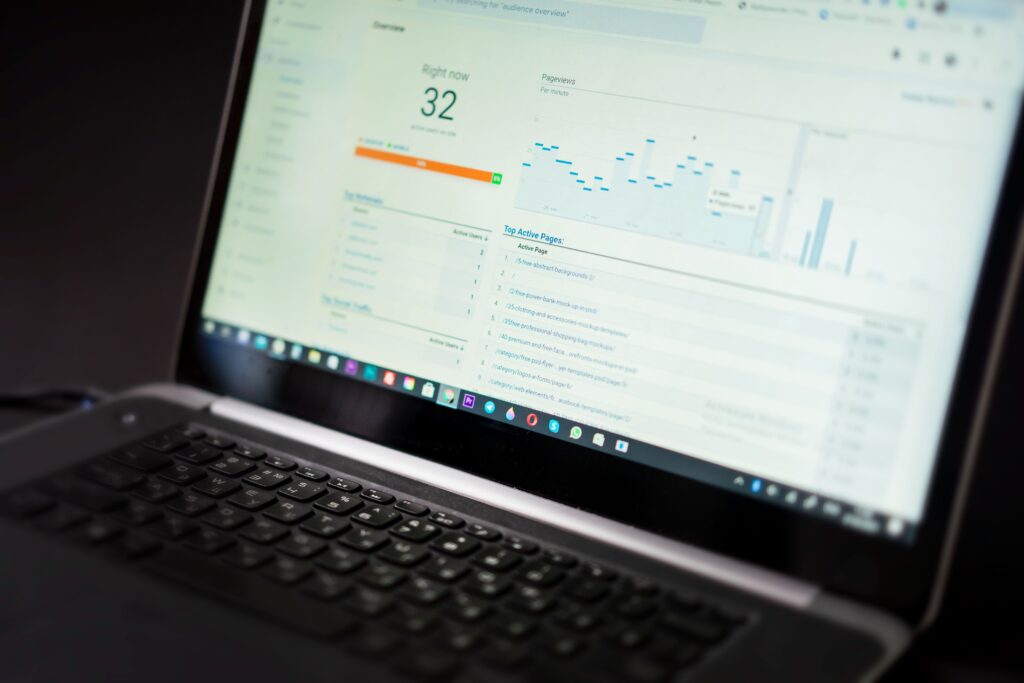
An AI Overview tracker is a tool that runs a fixed list of searches on a schedule and records two things for each one: whether Google showed an AI Overview, and whether your site was among the linked sources. Since 31 August 2026 Google’s own Search Console has a Generative AI performance report that counts how often links to your site were shown in AI Overviews and AI Mode, so you no longer need a third-party tool to know whether you appear at all. What Search Console does not give you is the list of searches, and that is the gap a tracker fills. Below is what Google’s documentation says, quoted exactly and checked on 17 October 2026, a table of which source answers which question, and the sampling arithmetic that decides whether a tracker’s percentage is a finding or noise.
What Search Console now reports for AI Overviews
Google announced Search Generative AI performance reports on the Search Central blog in June 2026, and the Search Console help article for the report says “As of August 31, 2026, we’ve rolled out these insights to all websites worldwide.” The report covers AI Overviews and AI Mode, with Discover in a separate report. Its one metric is defined like this: “Impressions are how many times links to your site were shown to a user in a generative AI feature on Google Search.”
The dimensions the help article lists are pages, countries, dates, devices and search type, where search type separates text searches from multimodal ones such as Google Lens and Circle to Search. Two limits are worth knowing. If the report is missing, “This usually happens when your site hasn’t received enough impressions in generative AI features on Google Search.” And “Search Console doesn’t include data from experiments in Search Labs, as these experiments are still in active development.”
The ordinary Performance report still carries AI traffic too, mixed in with everything else. Google’s help article on impressions, position and clicks says that for AI Overviews “Clicking a link to an external page in the AI Overview counts as a click”, that the Overview occupies one position and “all links in the AI Overview are assigned that same position”, and that “Standard impression rules apply.” Google’s AI features page, last updated 2025-12-10, puts it plainly: these appearances “are included in the overall search traffic in Search Console”.
The question Search Console cannot answer
The Generative AI report tells you which of your pages were shown in AI features, how often, where and on what device. Its listed dimensions do not include queries, so it cannot tell you which searches produced those impressions, which searches showed an Overview that cited a competitor instead, or how often an Overview appears for a keyword you care about but are absent from. Those are questions about the searches, not about your pages, and they are what a tracker is for.
| Question | Search Console, Generative AI report | Search Console, Performance report | Third-party tracker | Manual search |
|---|---|---|---|---|
| Are my pages shown in AI Overviews or AI Mode at all? | Yes, impressions by page | Mixed in with all web impressions | Only for the keywords you load | Anecdotal |
| Which of my pages get the most AI impressions? | Yes | No | Partly, within its keyword list | No |
| Which searches triggered those impressions? | No query dimension listed | Queries shown, but not separated by feature | Yes, within its keyword list | One search at a time |
| Do my target keywords show an Overview at all? | No | No | Yes | One search at a time |
| Who is cited when I am not? | No | No | Yes, if it captures source links | One search at a time |
| Clicks from AI features specifically | Not defined in the report | Counted, but not separated out | No; trackers see results, not your clicks | No |
| Is this Google’s own data? | Yes | Yes | No, it is sampled from outside | No |
The practical split follows from the table: use Search Console for how much and where, and a tracker for which searches and against whom. Neither replaces the other.
What Google says about third-party tools
Google’s guide to optimizing for generative AI features on Google Search, last updated 2026-07-10, points site owners to the Search Console report for measurement and adds a warning that applies directly to this category: “No third-party tool has access to our internal ranking or AI systems.” A tracker sees what a searcher in a given place, on a given device, at a given moment would see, and nothing more. AI Overviews vary by location, device, wording and time, so every tracker figure is a sample of that variation, not a reading of Google’s systems. The same guide also says “You don’t need to create new machine readable files, AI text files, markup, or Markdown to appear in Google Search”, which is worth remembering when a tool’s report comes with a list of fixes to buy.
The sample-size arithmetic every tracker report hides
A tracker that says “AI Overviews appear for 30 percent of your keywords” is reporting a proportion from a sample, and the sample size decides how much that number can move by chance. The table below uses the standard 95 percent margin of error for a proportion, 1.96 times the square root of p times one minus p over n. It is our own arithmetic, and it assumes each tracked keyword is an independent check, which flatters the result, because related keywords tend to move together.
| Keywords tracked | Observed rate 10% | Observed rate 30% | Observed rate 50% |
|---|---|---|---|
| 50 | plus or minus 8.3 points | plus or minus 12.7 points | plus or minus 13.9 points |
| 200 | plus or minus 4.2 points | plus or minus 6.4 points | plus or minus 6.9 points |
| 1,000 | plus or minus 1.9 points | plus or minus 2.8 points | plus or minus 3.1 points |
On a 50-keyword list, a reported 30 percent is consistent with anything from about 17 to 43 percent. The bigger trap is comparing two reports. To tell a real move from 30 percent to 35 percent apart from chance, with the usual 95 percent confidence and 80 percent power, you need about 1,374 keywords in each period. A move from 30 to 40 percent needs about 354, and a move from 30 to 33 percent about 3,760. Most small-business tracking lists are far below those numbers, which means most month-on-month swings in an AI Overview share are noise.
Two consequences follow. Report a tracker’s share with its margin, not as a bare percentage. And when you need to know whether a change worked, look first at the Search Console report, which counts every impression rather than a sample, then use the tracker to explain which searches moved. The same caution about averages hiding the real story is the subject of my piece on SEO metrics and why average position misleads.
How to set up AI Overview tracking that means something
- Open the Generative AI performance report in Search Console and export page-level impressions for the last three months. That is your baseline, and it costs nothing.
- Pick the keyword list from your real priorities, not from the tool’s suggestions: the searches your money pages need, plus the questions those pages answer. The method is in my keyword research checklist.
- Fix the conditions: one country, one device type and, where the tool allows it, one city. Changing these between reports changes the answer.
- Track often enough to see the variation. A single weekly check on each keyword records one roll of the dice; several checks across the week show how stable an Overview is.
- Record the cited sources, not just presence. “An Overview appeared” is less useful than “an Overview appeared and cited these three sites”.
- Read the share with its margin from the table above, and only call a change real when it is bigger than that margin.
- Match tracker findings back to Search Console: if the tracker says you gained citations on a group of keywords, the pages that answer them should show more AI impressions in the same period.
What to check before paying for a tracker
| Check | Why it matters |
|---|---|
| Does it record which sites are cited, or only whether an Overview appeared? | Presence alone cannot tell you who is winning the answer |
| Can you fix country, city and device? | AI Overviews vary with all three |
| How many checks per keyword per period? | One check is a sample of one |
| Does it cover AI Mode as well as AI Overviews? | Search Console reports both |
| Can you export raw results? | So you can calculate margins yourself rather than trust a chart |
| Does it claim access to Google’s systems or promise rankings? | Google says no third-party tool has that access |
Tracking tells you where you stand, not how to improve. For that, start with how to rank in AI Overviews and the research behind generative engine optimization. And if AI impressions and ordinary clicks fall together, treat it as a search problem first: the diagnosis in my Google penalty recovery guide applies whether the traffic was lost from blue links or from AI answers.
Leave a Reply